Clear quotes
The Pro sets the price, and the service fee is shown before you confirm. You never pay more than the checkout total, plus any add-on you approve.
Home services for Dallas to Fort Worth
Book cleaning, handyman, lawn and pool Pros near you. Compare clear quotes, chat in the app, and your card is held at booking, then charged when the job is complete.
Coming soon to the App Store and Google Play. Pros sign up in the app and choose "I'm a Pro".


Home help,
done right.
Post once, compare, and pay only when the work is done.
Add a few details and photos, or let Skorobot, the in-app helper, draft the job from one sentence.
Pros near your ZIP send offers or quotes. Ask questions in the in-app chat before you choose.
Confirm with a card hold. It is captured when the Pro marks the job complete, and your receipt lands in the app.
From a weekly mow to a move-out clean. Pick a service, describe the job, and Pros whose area covers your address respond.
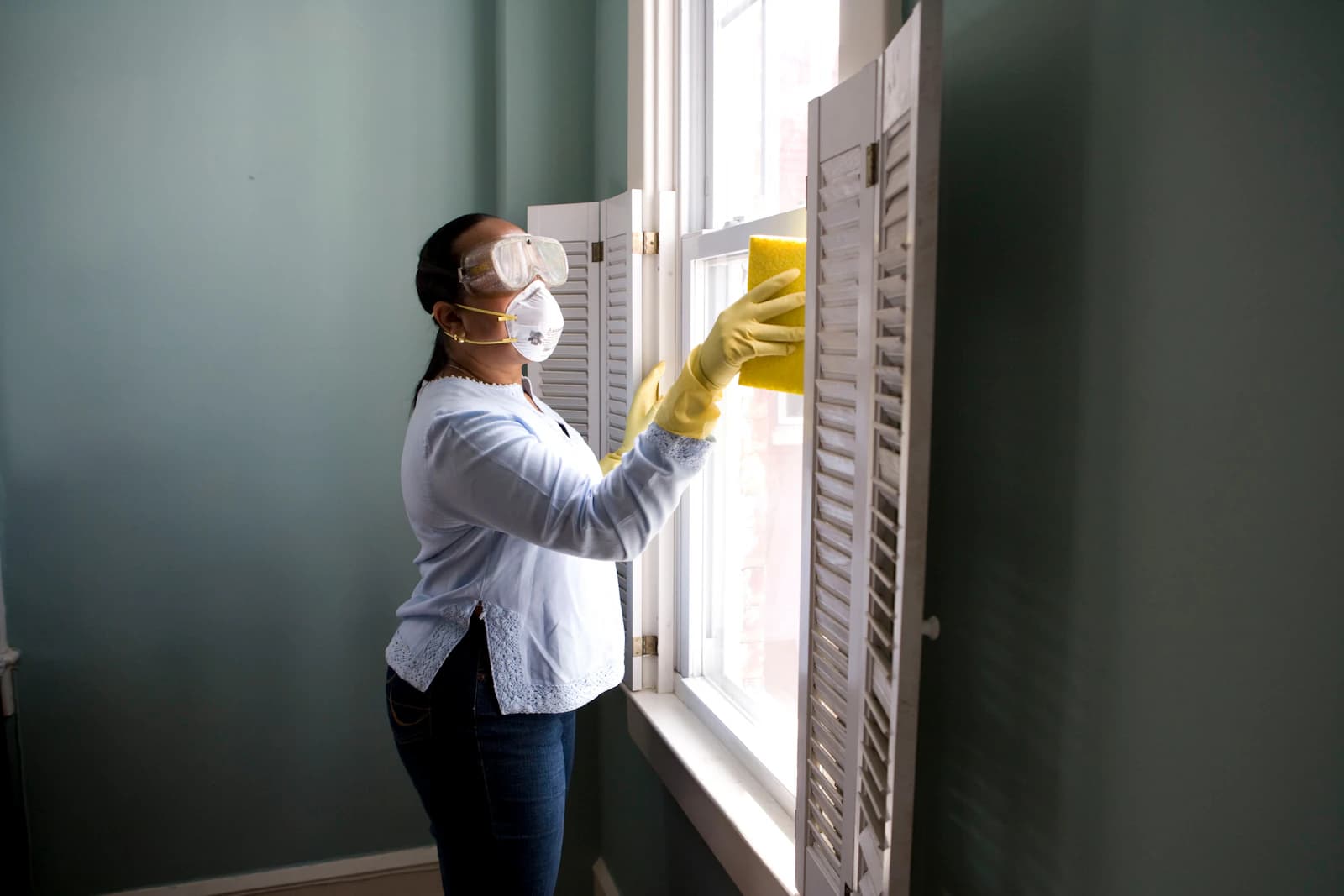
Standard, deep, and move-in/out cleans.
 License checked where required
Repairs, installs, and small jobs around the house.
 License checked where required
Lawn care and full-service landscaping.

Cleaning, chemistry, and equipment.
The same rules run the app, the checkout and the cancel screen. Each one is written down.
Before a Pro can offer work that needs a license or insurance, our team reviews the document.
How Pros are checkedA hold goes on your card when you book. It is captured when the Pro marks the job complete.
The payment termsThe cancellation rules are public, and the app shows the exact amount before you confirm.
The refund policyReport or block anyone in the app. A person on our team reviews every report.
The community guidelinesThe Pro sets the price, and the service fee is shown before you confirm. You never pay more than the checkout total, plus any add-on you approve.
Message your Pro inside the job and share photos. Your street address stays private until the booking is confirmed.
A hold is not a charge. It is captured when the Pro marks the job complete, or released under the refund policy if the booking is cancelled.
The same rules run the cancel screen in the app, so the amount you see there is the amount you get back. Read the refund policy
Tell Skorobot what is wrong in a sentence, or add up to five photos. It picks the service, fills in the details and suggests a price range. You review every draft before it is posted, and you can always use the form instead.
Green water, noisy pump. Photo attached.
Work in cleaning, handyman, outdoor or pool services across Dallas to Fort Worth? SkoroPro sends you jobs near you, and you stay in charge of your business.
New jobs are matched by service and ZIP radius, nearest first, and sent to you as they come in.
Set a ZIP code, a radius and the hours you work. Change them in the app at any time.
Paid weekly on Fridays through your Stripe account. Your first payouts can take up to 14 days.
The customer pays the service fee. You receive your job price and approved add-ons in full.
Some services need a license or insurance. Upload the document in the app, and our team reviews it before you can take those jobs.
Join in the app. Pros sign up in the SkoroPro app: create an account and choose "I'm a Pro". That makes it a Pro account for your business. To book help at home, use a separate customer account with another email.
One app for customers and Pros: you choose "I need help at home" or "I'm a Pro" when you sign up. The store links will appear here as soon as the apps are live.
Questions? support@skoropro.com
Write to us and a person will reply.
support@skoropro.comA hold goes on your card when you book, or 2 days before the job when it starts more than 6 days out. The hold is captured when the Pro marks the job complete. Add-ons agreed during the job get their own hold and are charged with the job.
What you get back depends on who cancels and how far before the start. Cancel 24 hours or more before the start, or within 15 minutes of booking when the start is more than 2 hours away, and you get everything back. If the Pro cancels or does not arrive, you get everything back. The app shows the exact amount before you confirm.
Read the refund policyWhere a license or insurance is required for the service, the Pro uploads the document in the app and our team checks it before they can be matched to those jobs. We check the document, not the work. Services that need neither show no badge.
Independent local businesses that use the SkoroPro platform. SkoroPro is the marketplace: it matches jobs, holds the payment and pays the Pro through Stripe when the job is complete.
Dallas to Fort Worth. Pros set a service area by ZIP code and radius, and jobs are matched to Pros whose area covers the address.
No. The customer pays the service fee, shown at checkout. The Pro receives the job price and approved add-ons in full, paid weekly through Stripe.
Read the provider termsNo. You choose customer or Pro when you sign up in the app, and the account stays that type. To change it, email support@skoropro.com, or create a new account with a different email.
Go to supportSkoroPro is coming to the App Store and Google Play. The store links will appear on this page as soon as the apps are live.
Email support with your booking code (it starts with SKB). Reports of a message, review or profile are reviewed within 24 hours, and disputes about a booking get a first response within 48 hours.
Go to supportClear quotes, a card hold instead of a charge, and Pros near you. SkoroPro is coming soon to iPhone and Android.
